
Prapare Tracks example#
This example demonstrates how to create a Tracks layer from a pandas DataFrame by mapping column names to the coordinate and track id fields expected by napari. The helper function prepare_tracks_data is used to convert the DataFrame into the track array format required by viewer.add_tracks.
The example shows how custom column names can be mapped to track ID, time, and spatial coordinates before visualization.
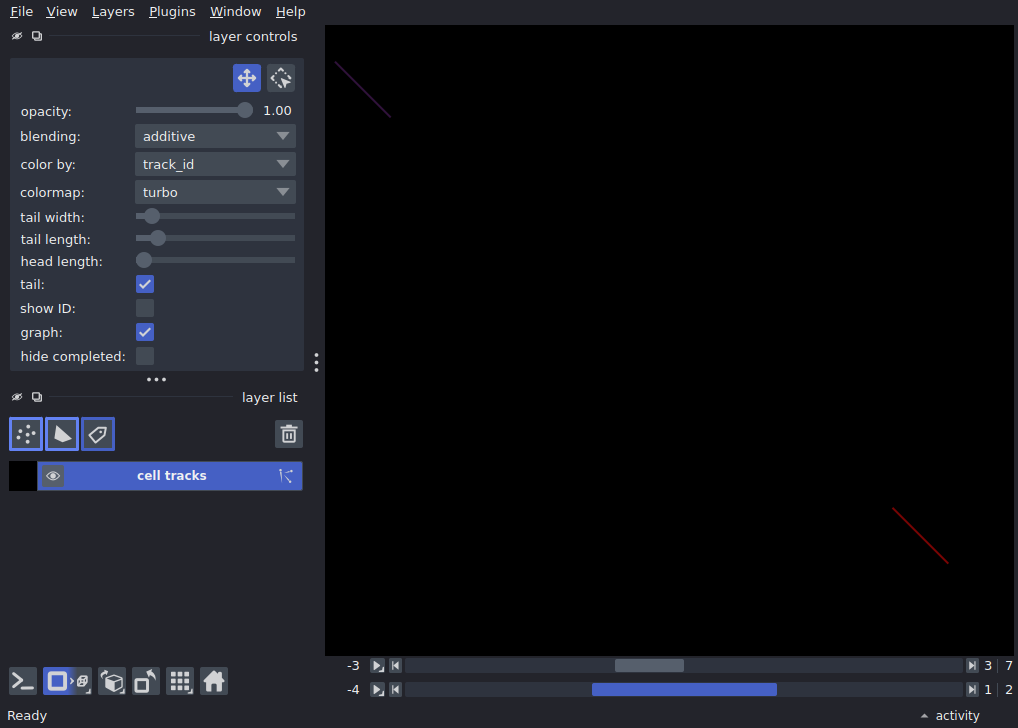
import pandas as pd

import napari
from napari.layers.tracks import prepare_tracks_data

df = pd.DataFrame(
    {
        'particle': [0, 0, 0, 1, 1, 1],
        'frame': [0, 1, 2, 0, 1, 2],
        'depth': [5, 6, 7, 10, 11, 12],
        'row': [10, 15, 20, 50, 55, 60],
        'col': [10, 15, 20, 60, 65, 70],
    }
)

tracks = prepare_tracks_data(df, track_id="particle",
    t="frame",
    z="depth",
    y="row",
    x="col",)

viewer = napari.Viewer()
viewer.add_tracks(tracks, name="cell tracks")

napari.run()