
magicgui viewer#
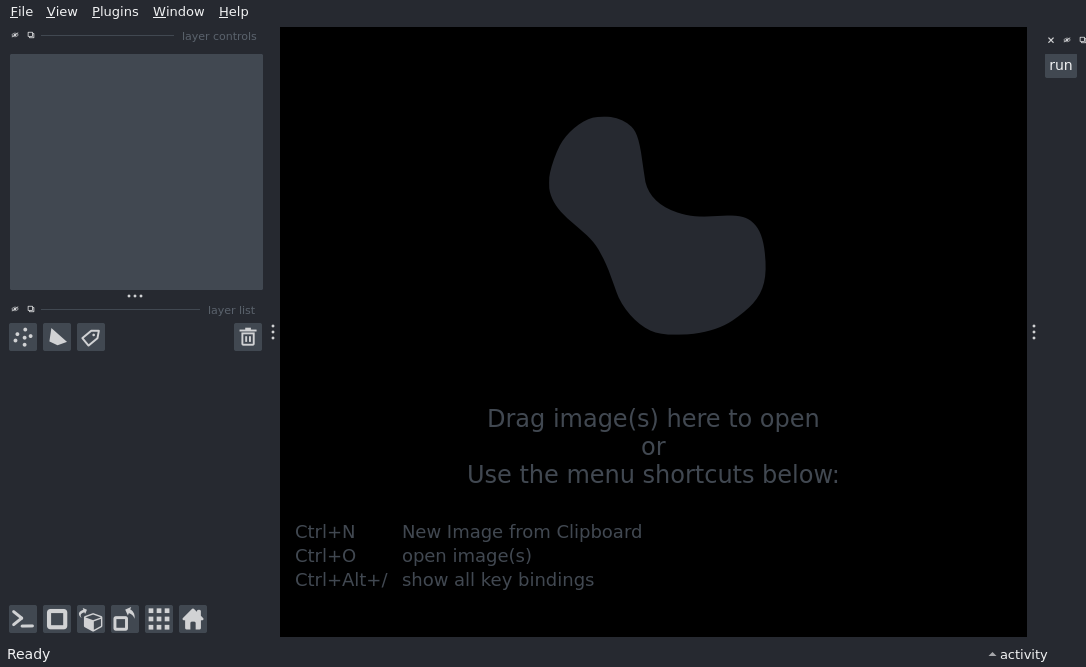
Example showing how to access the current viewer from a function widget.
import napari


# annotating a parameter as `napari.Viewer` will automatically provide
# the viewer that the function is embedded in, when the function is added to
# the viewer with add_function_widget.
def my_function(viewer: napari.Viewer):
    print(viewer, f'with {len(viewer.layers)} layers')


viewer = napari.Viewer()
# Add our magic function to napari
viewer.window.add_function_widget(my_function)

if __name__ == '__main__':
    napari.run()