
Add multiscale image#
Displays a multiscale image
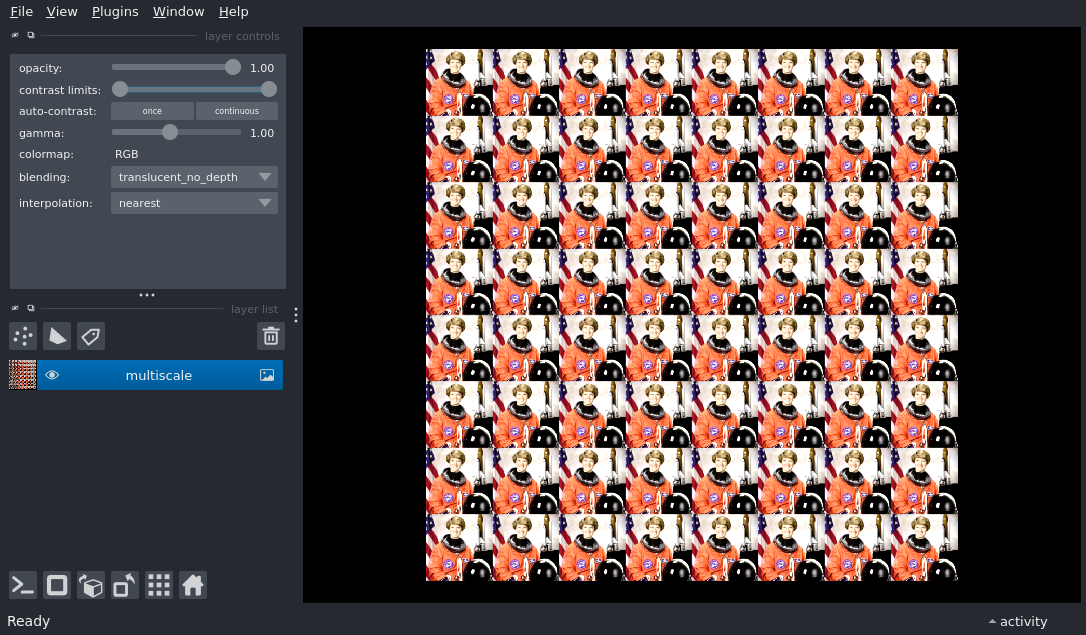
multiscale level shapes: [(4096, 4096), (2048, 2048), (1024, 1024), (512, 512), (256, 256)]
import numpy as np
from skimage import data
from skimage.transform import pyramid_gaussian

import napari

# create multiscale from astronaut image
base = np.tile(data.astronaut(), (8, 8, 1))
multiscale = list(
    pyramid_gaussian(base, downscale=2, max_layer=4, channel_axis=-1)
)
print('multiscale level shapes: ', [p.shape[:2] for p in multiscale])

# add image multiscale
viewer = napari.Viewer()
layer = viewer.add_image(multiscale, multiscale=True)

if __name__ == '__main__':
    napari.run()