
napari without gui_qt#
Alternative to using napari.gui_qt() context manager.
This is here for historical purposes, to the transition away from the “gui_qt()” context manager.
Maximum value 255
Your viewer has the following layers:
   Image  : 1
from collections import Counter

from skimage import data

import napari

viewer = napari.Viewer()
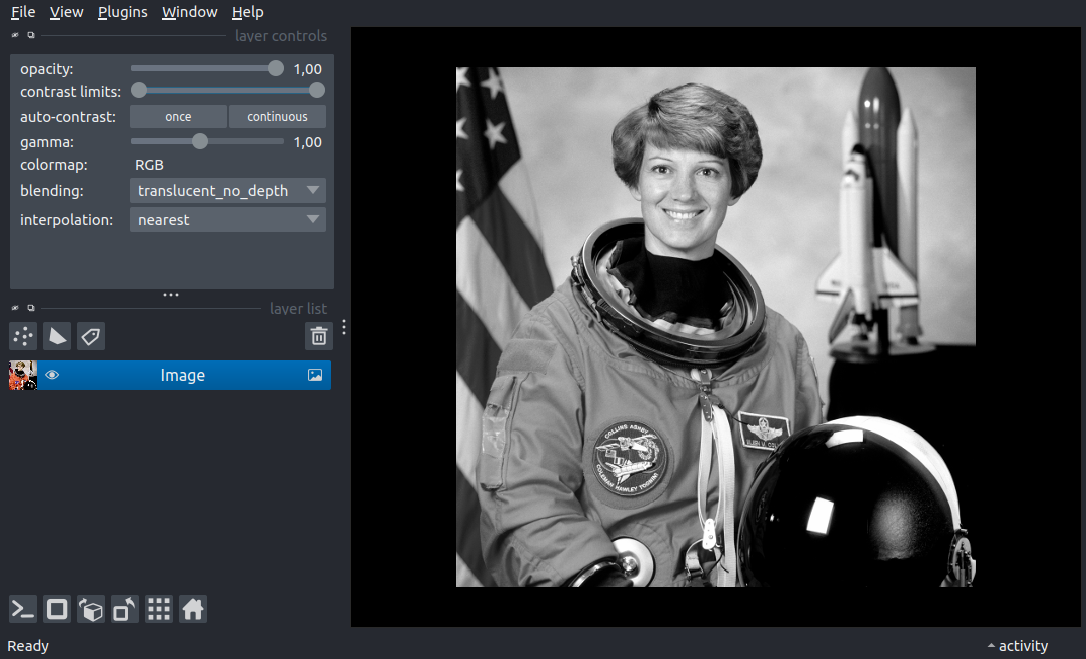
layer = viewer.add_image(data.astronaut(), rgb=True)

# You can do anything you would normally do with the viewer object
# like take a
screenshot = viewer.screenshot()

print('Maximum value', screenshot.max())

# To see the napari viewer and interact with the graphical user interface,
# use `napari.run()`.  (it's similar to `plt.show` in matplotlib)
# If you only wanted the screenshot then you could skip this entirely.
# *run* will *block execution of your script* until the window is closed.
if __name__ == '__main__':
    napari.run()

    # When the window is closed, your script continues and you can still inspect
    # the viewer object.  For example, add click the buttons to add various layer
    # types when the window is open and see the result below:

    print('Your viewer has the following layers:')
    for name, n in Counter(type(x).__name__ for x in viewer.layers).most_common():
        print(f'   {name:<7}: {n}')